


https://libertycity.net/files/gta-5/897 ... 1.9.1.html#
● Added Russian translation for the mod.
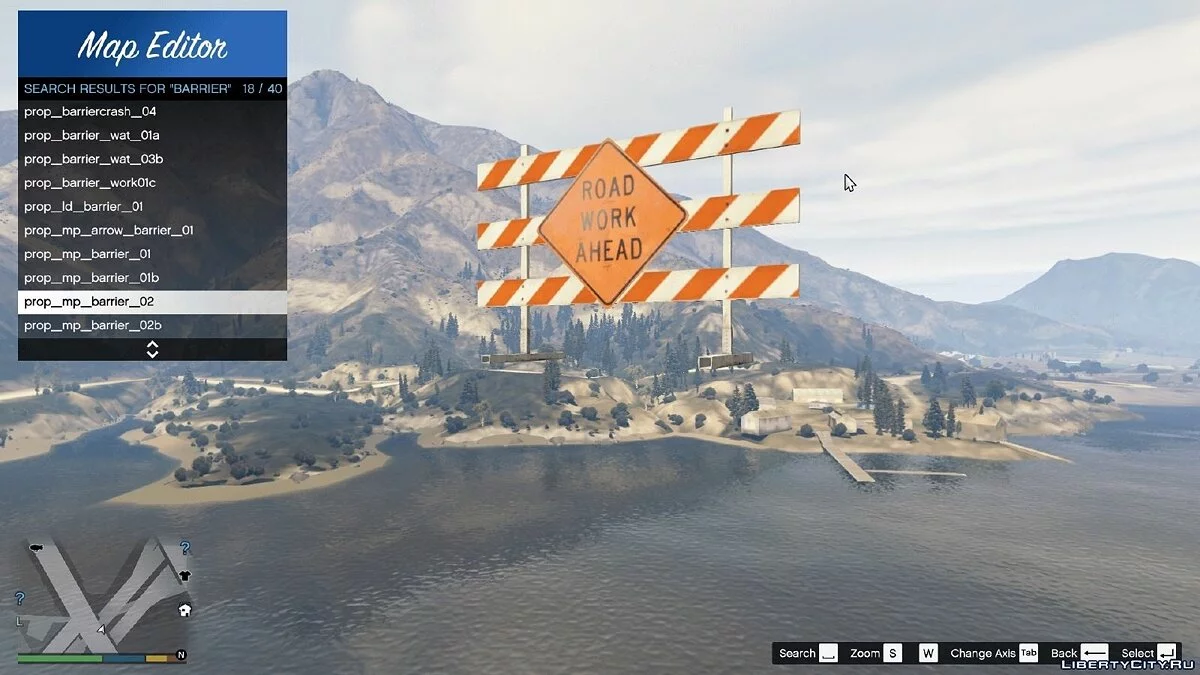
Map Editor 1.9.1 is available in 12 languages. You can help translate the mod by editing the MapEditor_Translation.xml file.
Translations:
● American - translation available;
● French - no translation;
● German - no translation;
● Italian - no translation;
● Spanish - translation available;
● Portuguese - no translation;
● Polish - no translation;
● Russian - translation available;
● Korean - untranslated;
● Chinese - no translation;
● Japanese - no translation;
● Mexican - no translation.
Saving and loading maps
You can upload and save your maps as XML files or as .ini object files. When selecting load or save in the main menu, you will be prompted to enter a file name. Note that when loading a map, they stack, so use a new map to clear any objects.
You can automatically load maps by creating a folder in the scripts directory named "AutoloadMaps". Any file ending with .XML or .ini extension will be loaded at gamestart.
Controls:
● F7 or R3 + LB - Open main menu;
● WASD or Left Stick - Control camera and objects;
● Q/E or LB/RB - Moves the selected object up/down;
● F or Controller Y - Open object menu;
● P or Controller Pause - Open ped menu;
● V or Controller Back - Open vehicle menu;
● Arrow Up or DPAD Up - Spawn button;
● Shift or Controller A - Speeds up navigation;
● Alt or DPAD Down - Slows down navigation;
● Mouse Left Click or RT - Select object while viewing;
● Mouse Right Click or LT - Move object while viewing;
● C or R3 - Copy object;
● Del or Controller X - Delete object while viewing.

 GAZDUIRE JOCURI / VPS / GAZDUIRE WEB / SERVERE DEDICATE - Stock NELIMITAT / Valabil comandati pe


