


https://libertycity.net/files/gta-5/956 ... .12.2.html
Changelog:
2.12.2:
● Updated Chinese translation.
2.12:
● Updated Russian translation.
2.11:
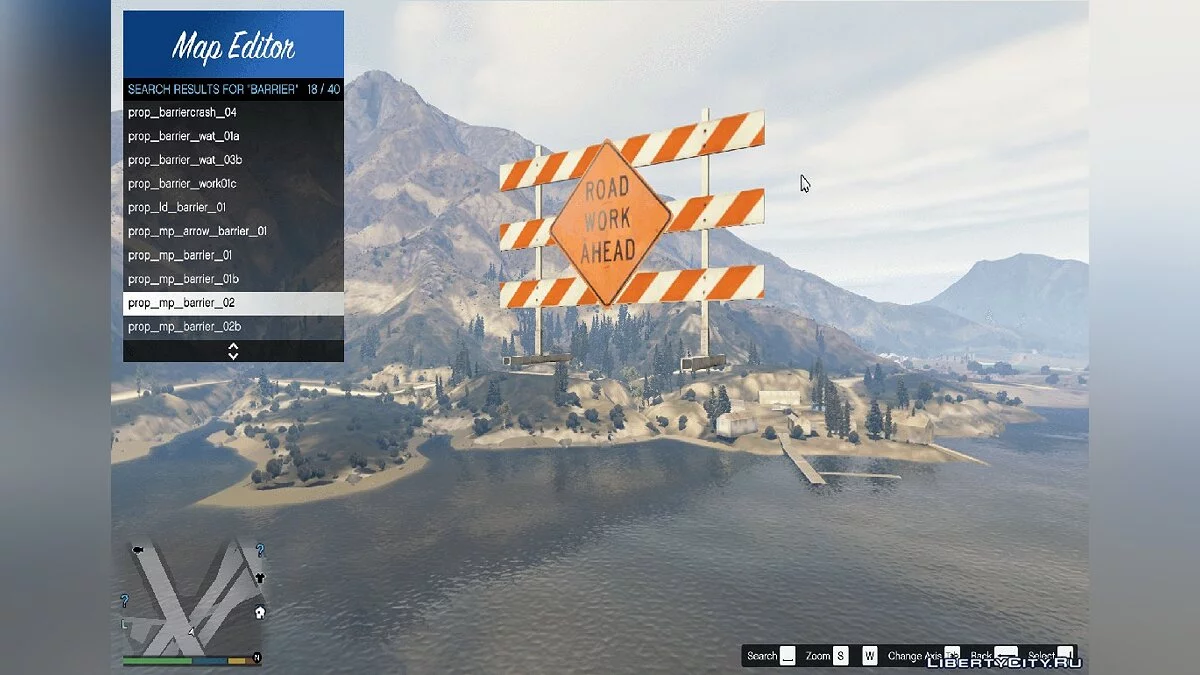
● Improved search, you can now use keywords for searching.
● Added a new file selection dialog in the loading menu, allowing you to choose a file without needing to type its name.
● Added map metadata such as title, author, and description.
● New marker properties added: mark as a spawn point, marker as a starting point, and visible only in the editor.
● Added logging when the map editor fails to load a map.
● Fixed objects spawning in the wrong position sometimes.
● Updated Italian and Japanese translations.
2.10:
● Added the ability to teleport inside a vehicle.
● Vehicle colors are saved.
● Fixed a bug when building outside the map limits.
● You can now set custom values for X/Y/Z position in the properties menu. Press Enter when selected.
2.9:
● Fixed a game crash in DirectX caused by ScriptHookV.
● Each language has its own separate translation file.
● Added the ability to switch languages.
2.8:
● Added a "doors" property for objects to prevent them from falling through the world.
2.7:
● Added teleportation to markers. All markers are now numbered, and you can find their ID in the window header properties.
2.6:
● Added sound emitters! Press G (default) to spawn them.
2.5:
● Fixed rotation, you can now rotate in any direction without strange behavior.
● Removed the large "loading" text, it is now smaller, and the loading icon is in the bottom right corner.
2.4:
● Added interactive maps! You can now attach JavaScript scripts to your map!
2.3:
● You can now add a model name in ObjectList.ini (for example, instead of "hei_heist_kit_bin_01=1251521521" write "hei_heist_kit_bin_01")
Translations:
● American - translation available;
● French - no translation;
● German - translation available;
● Italian - translation available;
● Spanish - translation available;
● Portuguese - translation available;
● Polish - no translation;
● Russian - translation available;
● Korean - untranslated;
● Chinese - translation available;
● Japanese - translation available;
● Mexican - translation available.
Controls:
● F7 or R3 + LB - Open main menu;
● WASD or Left Stick - Control camera and objects;
● Q/E or LB/RB - Moves selected object up/down;
● F or Controller Y - Open object menu;
● P or Controller Pause - Open ped menu;
● V or Controller Back - Open vehicle menu;
● Arrow Up or DPAD Up - Spawn button;

 GAZDUIRE JOCURI / VPS / GAZDUIRE WEB / SERVERE DEDICATE - Stock NELIMITAT / Valabil comandati pe


