


(Legacy:
 | Enhanced:
  )
) English
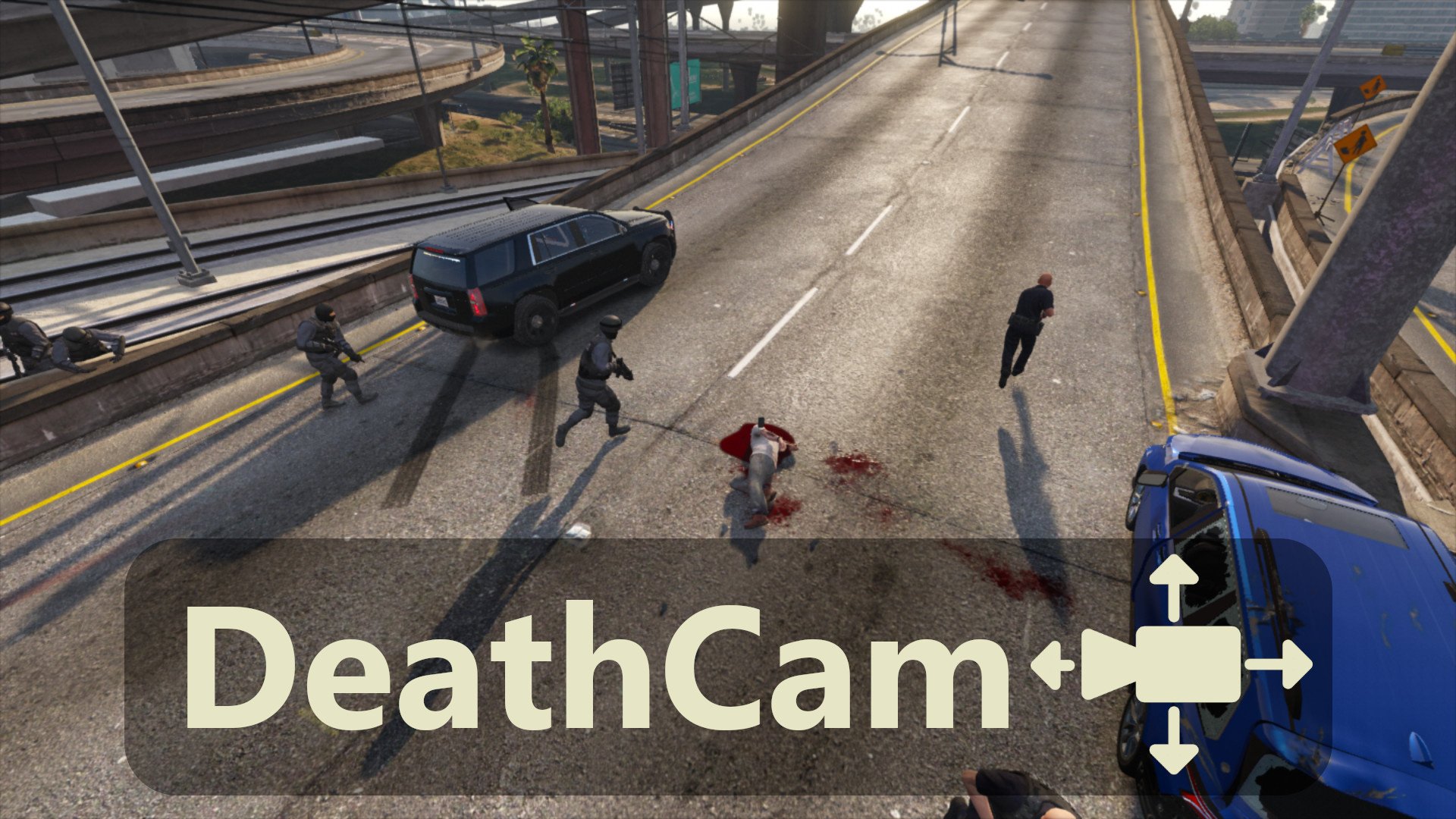
This plugin lets you observe what happens around you after your character dies. It disables the auto-respawn system and lets you move the camera freely for as long as you like. It also removes the black and white filter.
 Installation:
Prerequisite :
- RAGE Plugin Hook
- RAGENativeUI
Open the downloaded .zip archive, then drag and drop the contents of the “Grand Theft Auto V” folder into your game folder.
 Known issues and incompatibilities:
This plugin in incompatible with:
- Menyoo "Manual Respawn" feature (obviously),
- Menyoo + LSPDFR together.
 Configuration
You can adjust some values in the .ini file :
- Visibility of the "Wasted" message
- Respawn at the hospital/respawn in place
- Freecam shake
 How it works:
After your character dies, you can move the camera around with the arrow keys and mouse (or with a controller).
Use Shift (⌨)/ Attack (
 ) to increase, and Ctrl (⌨)/ Aim () to decrease the camera movement speed.
You can also zoom in and out with the scroll wheel or the Phone Up/Phone Down controls.
Press the Jump control to reappear. Or Ctrl+Jump to respawn in place.


