


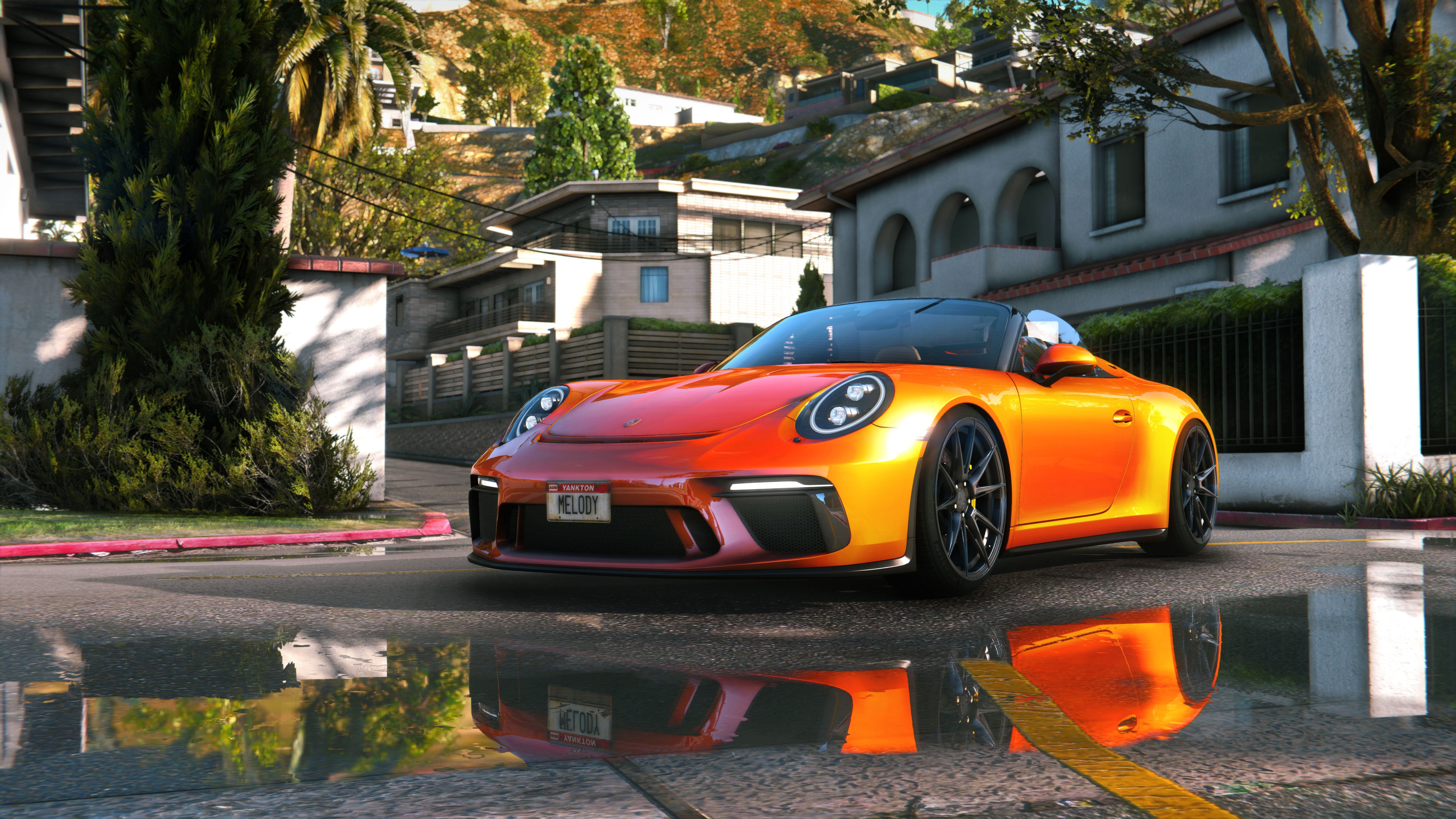
This is combined graphic mod which includes end, reshade, timecycle modifyed and some other file changes.
Install:
1. Using OpenlV install VisualV.
2. Using OpenlV install Awesomekills graphics.oiv package
3. Install Reshade
4. Delete "reshade-shaders" folder from your GTAV folder
5. Copy all files from "5 step folder" to your GTAV folder with replace.
6. Change path in "ReShade.ini" file from "6 step" folder (helping picture with instructions included), save it and copy to your GTAV folder
If you have troubles with install check video tutorial:
https://youtu.be/ZywzMYlqFHo
Included reshade presets list:
Awesomekills NORT Gameplay - preset for gameplay &screenshots
Awesomekills NORT Screens SmallDOF - preset for screenshots with small DOF
Awesomekills NORT Screens BigDOF - preset for screenshots with big DOF
Uninstall:
Delete mods folder, dxgi.dll and d3d11.dll
Update December 2023 changelog:
- Cars reflections
- Colour balance, gamma
- Bloom
- Sky, clouds
- Performance optimization
If You have trouble with dark picture disable scale mod in video settings.

 GAZDUIRE JOCURI / VPS / GAZDUIRE WEB / SERVERE DEDICATE - Stock NELIMITAT / Valabil comandati pe


